|
Active Survey Test by FTP
Active Survey Test by FTP is a test for uploading and downloading a file to a FTP server to test current Internet speed.
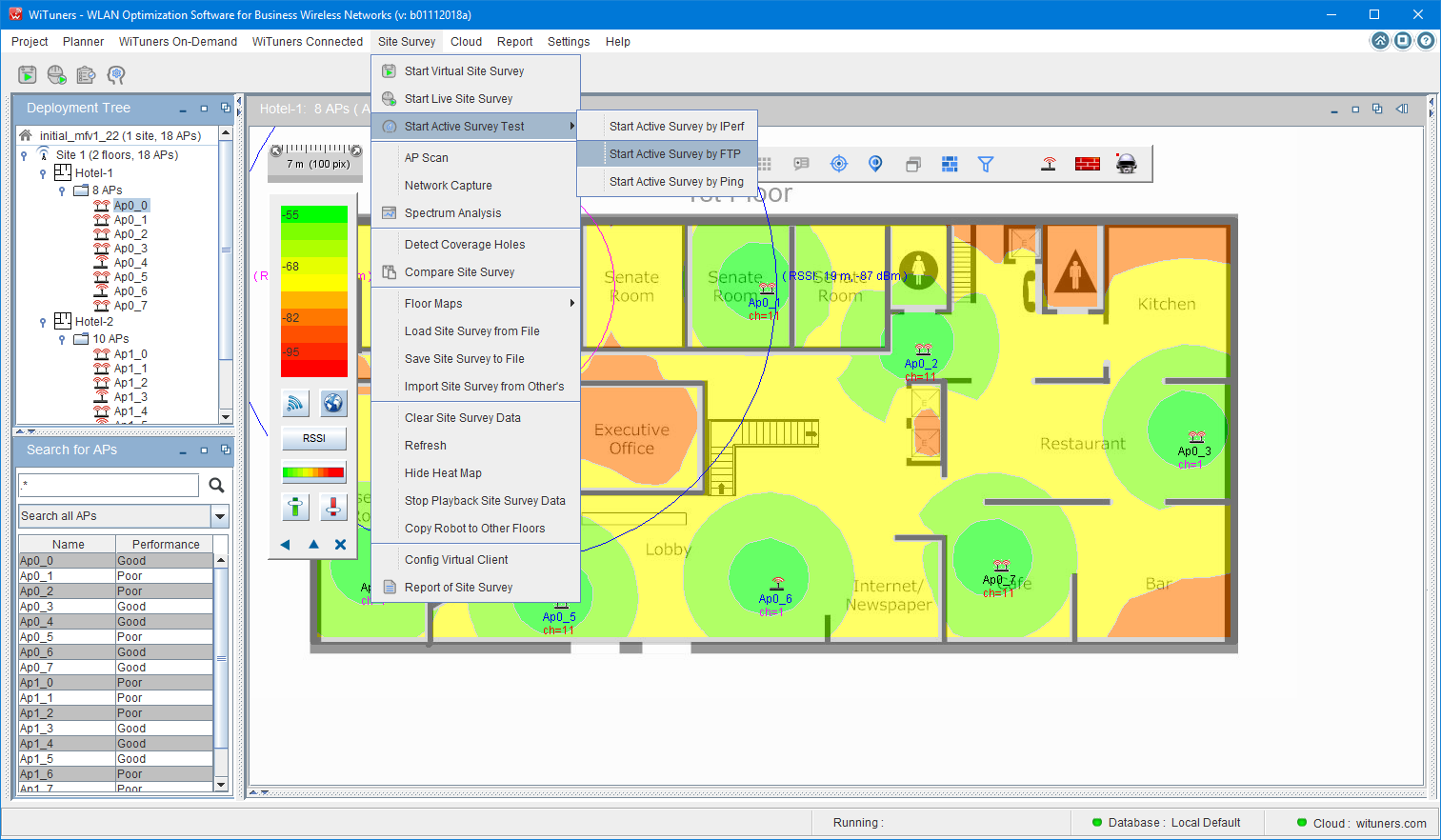
Clicking on "Site Survey" on System Menu Bar, then select "Start Active Survey Test"-->"Active Survey Test By FTP", the "Active Survey Test By FTP" window comes up to front as below:
1. The window of Active Survey Test By FTP
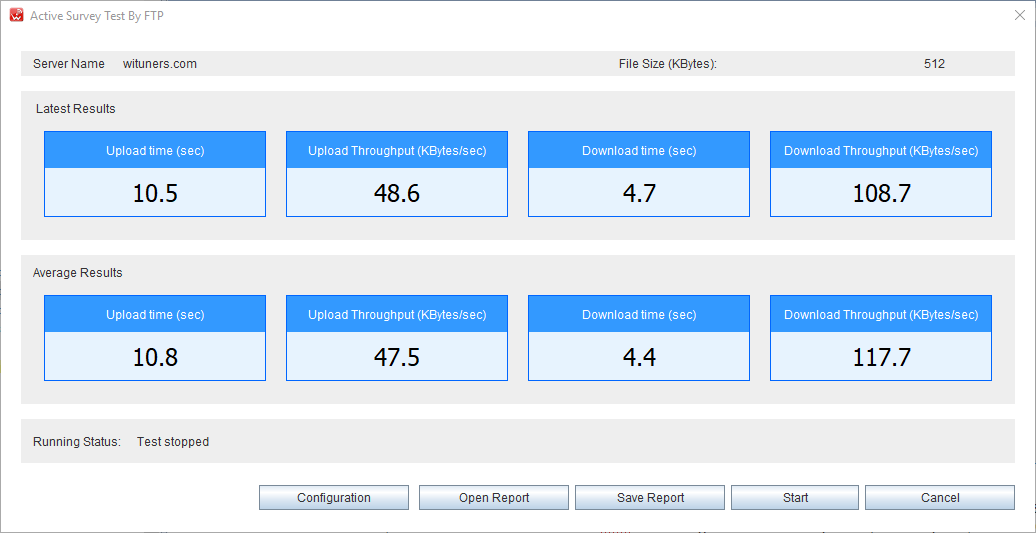
On the top of the window, it is the information bar for the configuration of the FTP test.
The beneath of the chart are running data for latest results and average results.
The next of the running data is running status bar, it displays the running status of the current FTP test.
The control buttons at the bottom of the window, users can click on the buttons to start a function for the iPerf test, such as start/stop a test, configuration for a test, or open/save the test to a PDF report file, when "Cancel" button is clicked, the test stops and the window is closed, the system is back to WiTuners Main Windows.
2. The window of configuration for Active Survey Test By FTP
When "Configuration" button is clicked, the configuration windows comes up to front to set the test as below:
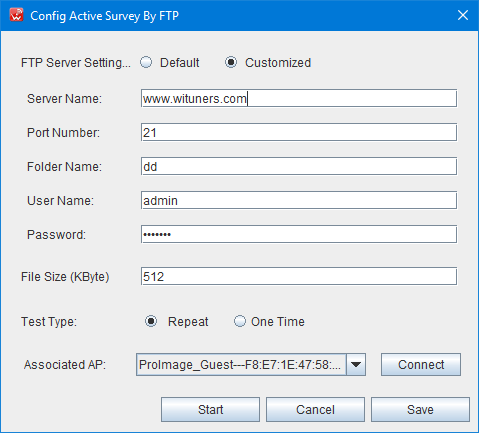
Most of parameters for a FTP test can be set by the configuration windows. Users can select a specific access point for the test to be connected on the Associated AP list, which scanned all of available APs in the range of network adapter in your computer, automatically.
Notes: users need to select a appropriate file size to running the test for the best results, usually, more than 10 times of the bandwidth for your average speed of Internet connection would be recommended.
2. The window of "Save Report"
When "Save Report" button is clicked, the window displays to set the report as below:
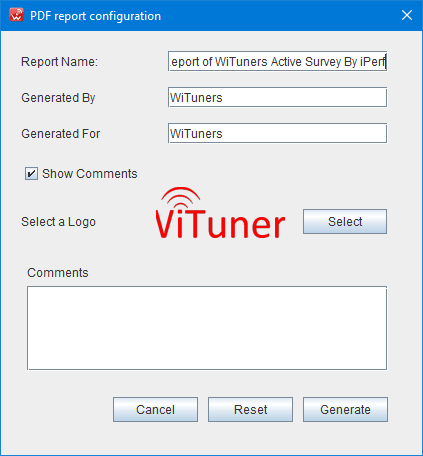
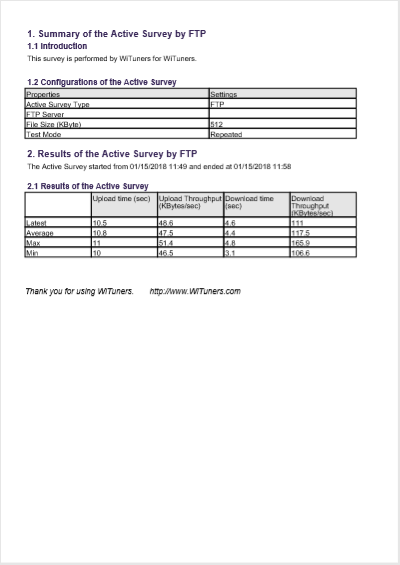
Users can customized your test PDF report by the window, after clicked "Generate" button, a customized the report will be opened as below.
|